


Top 10 Chrome Extensions Every SEO Expert Should Try in 2026
Chrome extensions are one of the most powerful assets for SEO professionals. Whether you’re improving site performance, researching competitors, or planning content, these smart browser add-ons help you work faster and more efficiently. As SEO continues evolving, professionals and businesses, including the best SEO company in Ahmedabad, depend on browser tools to analyze, audit, and optimize with speed and accuracy.
What are Chrome Extensions?
As an SEO professional with years of experience working on multiple tools and browsers, I’ve learned that Chrome extensions are like small power-boosting add-ons that enhance how we work on Google Chrome. They help us perform tasks faster, analyze websites instantly, and streamline daily SEO activities.
Key points:
- Small tools installed in Chrome to expand features
- Help analyze web pages, keywords, backlinks, and website metrics
- Improve workflow and reduce manual effort
Why Use Chrome Extensions?
After working with SEO projects for long enough, one thing is clear: Chrome extensions save time and increase efficiency. Instead of switching between tools and dashboards, we can check SEO insights instantly while browsing any website.
These tools not only help analyze traffic and rankings but also provide actionable tips to reduce spam score, ensuring your website maintains credibility and performs better in search results.
Point-to-point usefulness:
- Speeds up daily SEO tasks
- Shows instant on-page and technical SEO data
- Helps with keyword research and competitor analysis
- Ideal for quick audits and real-time insights
Best Chrom Extensions for Faster SEO Audits
Here Are the Top 10 Chrome Extensions That Make SEO Audits Quicker & Smarter.
A. On-Page SEO & Technical Evaluation Tools
Tools that quickly analyze your website’s content, structure, and technical health to improve search visibility and performance.
01. SEO META in 1 CLICK
What is it?
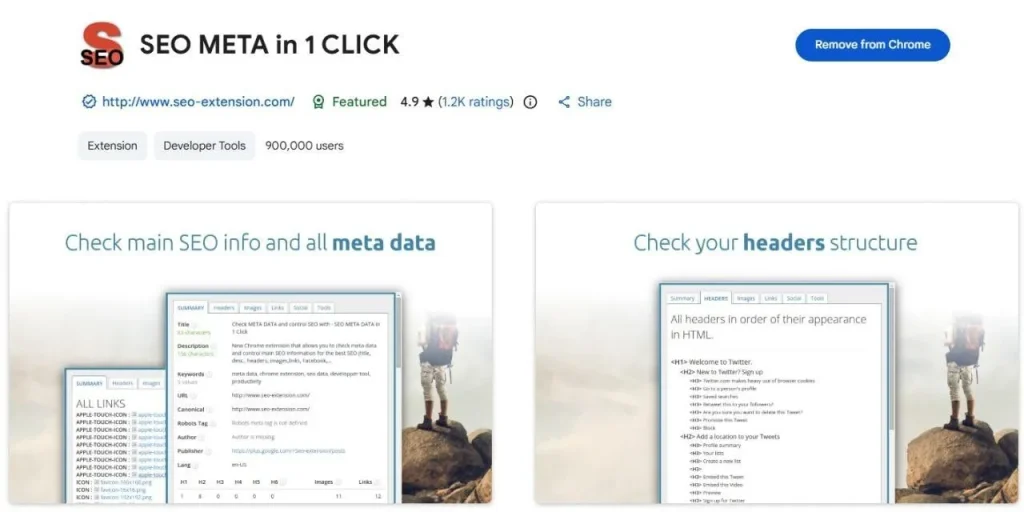
A compact on-page audit tool that reveals core SEO elements such as meta tags, headings, indexability, schema presence, image count, and link structure, instantly, within your browser.
Why beginners value it
It simplifies SEO auditing. Even without deep technical knowledge, users can understand what is missing or unoptimized on any webpage.
Key Features
- Complete metadata preview (Title, Description, Canonical, Robots)
- Clear display of H1–H6 tag structure in order
- Highlights missing image ALT attributes
02. SEOquake
What is it?
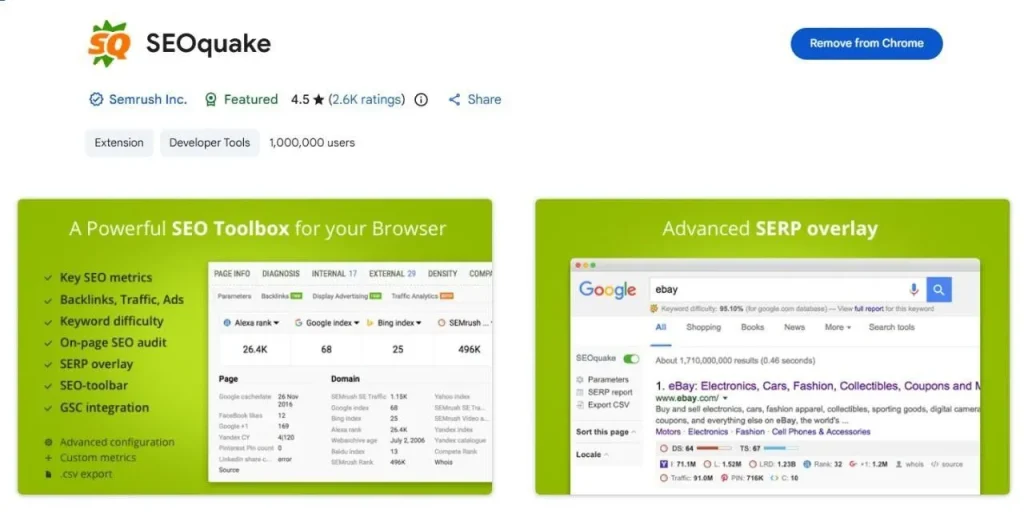
A comprehensive SEO analysis extension designed to audit pages, evaluate keyword usage, check backlinks, and explore SERP competition in real-time.
Why beginners value it
Because everything appears in one dashboard, Audit, Keyword Density, SERP Overlay, URL Parameters, and more. No separate tools required.
Key Features
- On-page audit report with important SEO metrics
- SERP overlay helps compare ranking domains
- Export audit results for research or reporting
03. Redirect Path
What is it?
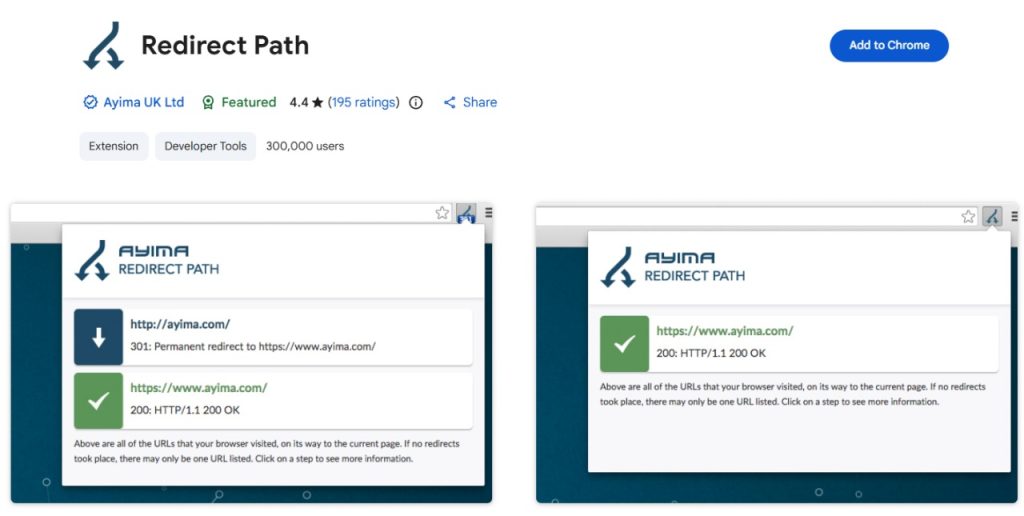
A technical extension focused on detecting link redirects, HTTP status responses, server codes, and redirect loops that affect crawling and indexing.
Why beginners value it
There’s no configuration needed. Simply open a page, and the tool identifies 301/302 redirects, 404 issues, or server errors instantly.
Key Features
- Detects redirect chains and loops
- Highlights client/server-side response codes
- Useful during website migrations & structural changes
B. Keyword Research & Competitive Intelligence Tools
Tools that find high-performing keywords and analyze competitors to uncover ranking opportunities and build data-driven SEO strategies.
01. Keywords Everywhere
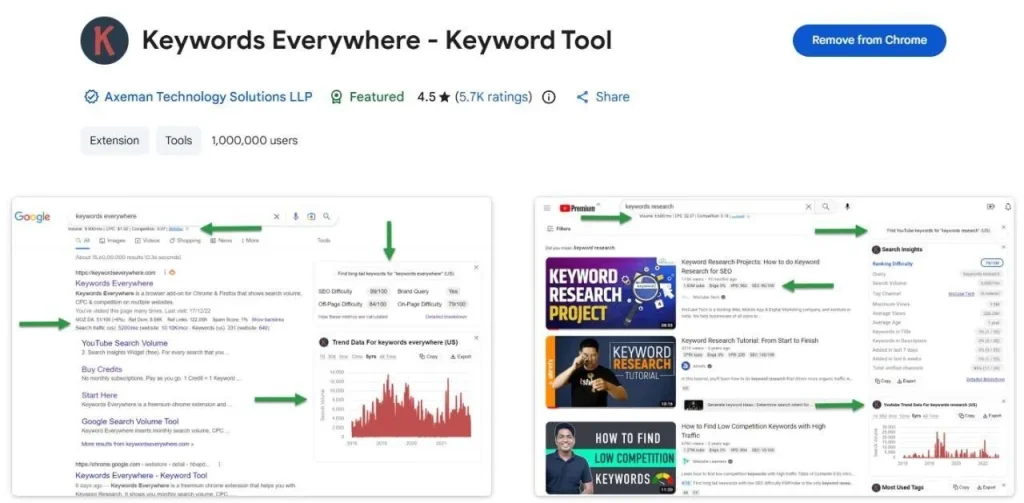
What is it?
A browser-based keyword data tool that shows monthly volume, CPC trends, related keywords, and competitor phrases directly in SERPs.
Why beginners value it
Because decisions become simpler, they can evaluate keyword potential without switching between external tools or dashboards.
Key Features
- Search Volume + CPC + Competition metrics
- Keyword suggestions for blog topic planning
- Works across Google, YouTube, Amazon & more
02. Ubersuggest Extension
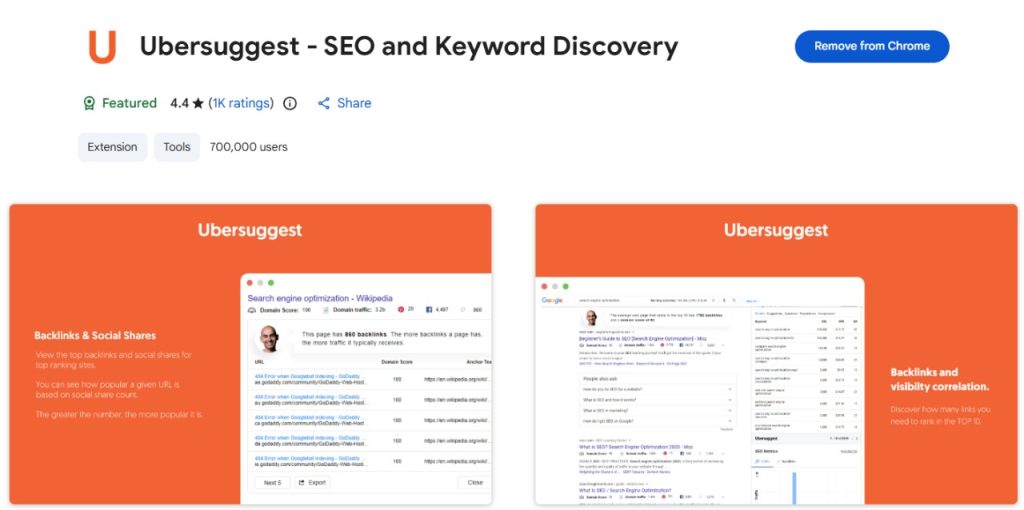
What is it?
A dual-purpose extension that offers keyword research plus domain-level insights, including backlink data, organic traffic, and top-performing URLs.
Why beginners value it
It provides everything in one place, discovers keywords, evaluates competition, and understands what kind of content ranks well.
Key Features
- Keyword difficulty, CPC, and search trends
- Domain authority score + backlink summary
- Highlights top pages and ranking keywords
03. SimilarWeb
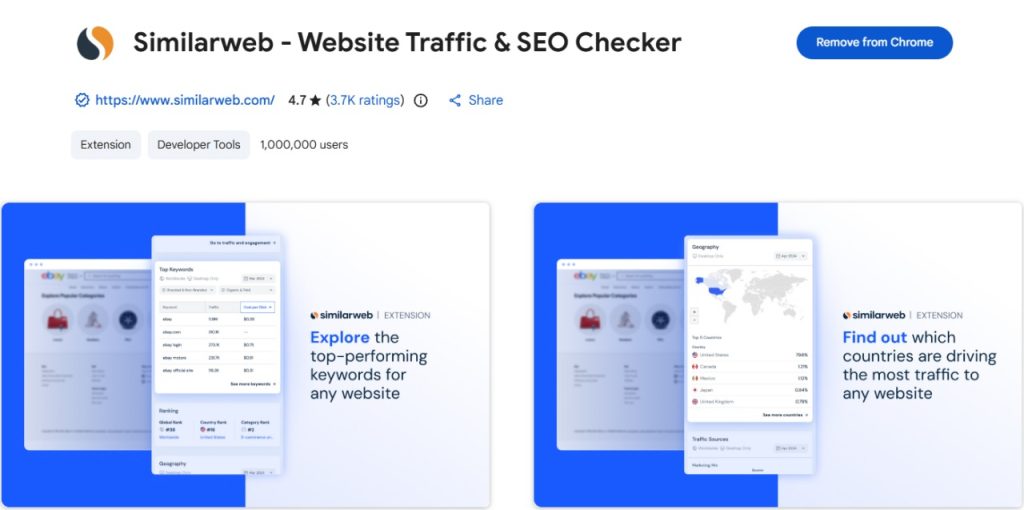
What is it?
A competitive intelligence extension displaying traffic strength, audience demographics, traffic sources, engagement time, and referral channels of any domain.
Why beginners value it
It presents data visually and clearly, ideal for understanding market volume, niche demand, and competitor influence.
Key Features
- Traffic estimation & trend comparison
- Visitor geography, engagement duration & bounce rate
- Breakdown of direct, organic, paid & referral channels
C. Analytics, Tracking & User Behavior Tools
Tools that track website performance and user behavior to improve engagement, conversions, and overall website experience.
01. Google Tag Manager
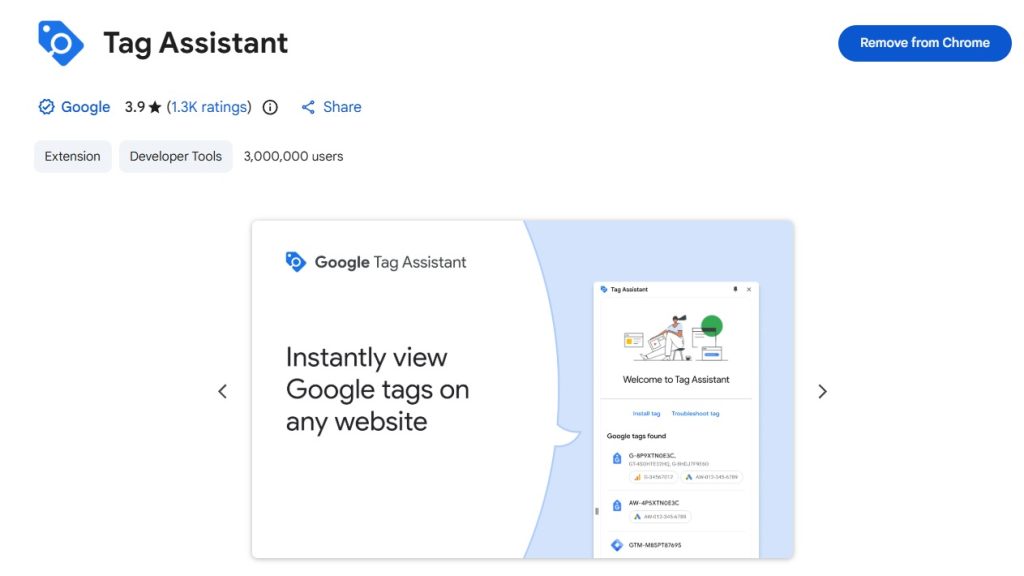
What is it?
A script-handling platform that allows you to add and manage tracking tags (analytics, ad conversions, and pixel scripts) without editing website code manually.
Why beginners value it
They don’t need developers for every update. Tags can be created, modified or paused directly through one panel.
Key Features
- Simplifies tracking script integration
- Trigger & event tracking for user behavior
- Cleaner website code + faster deployment
02. Page Analytics by Google
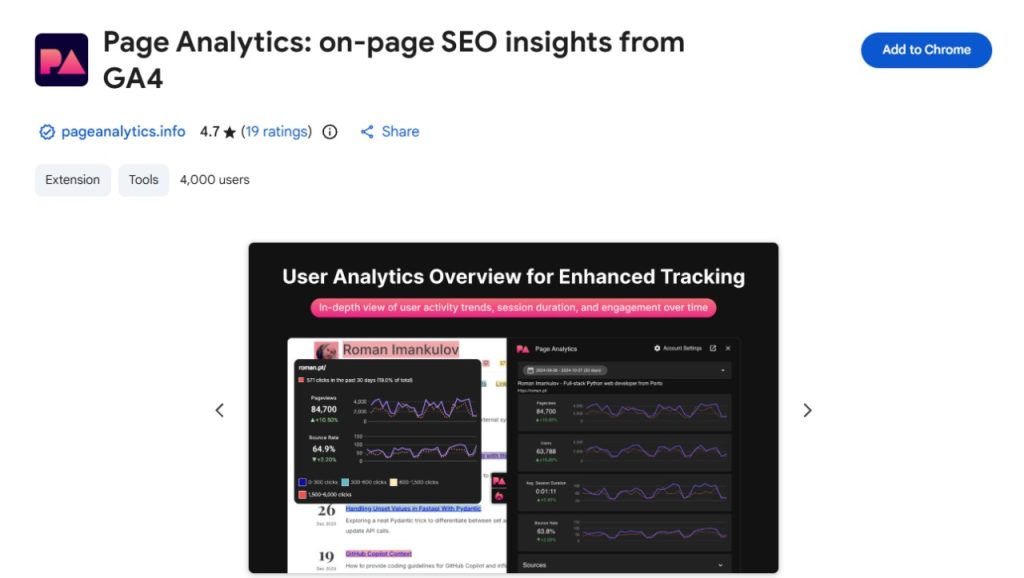
What is it?
A user-behavior visualization tool that reveals where visitors click, how far they scroll, and which sections of a page attract more attention.
Why beginners value it
Data becomes visual instead of technical. They quickly understand which parts work and which sections need layout improvement.
Key Features
- Heatmap-style click interaction data
- Scroll-depth insights for UX enhancement
- Engagement visualization for conversion audits
D. Content Quality & Utility Extensions
01. Grammarly
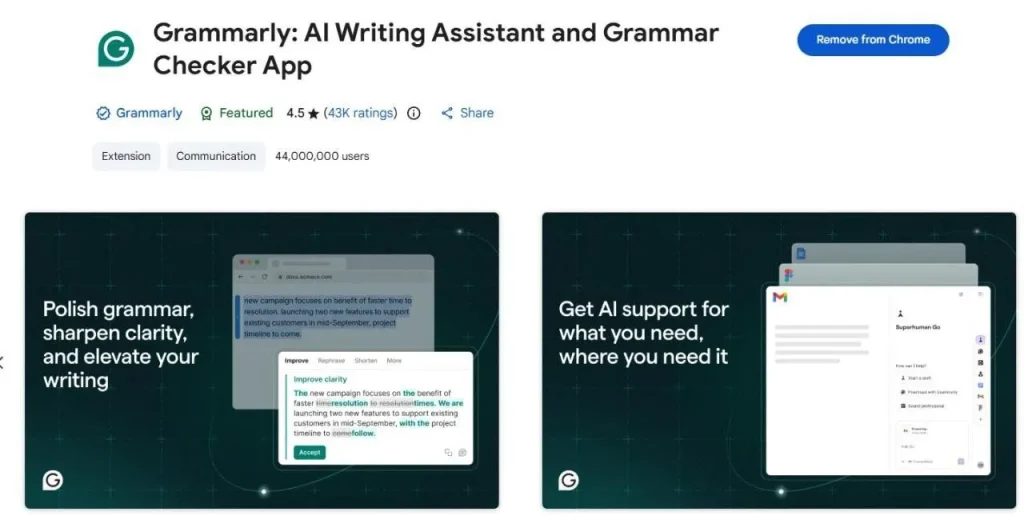
What is it?
A writing precision tool that checks spelling, grammar clarity, sentence tone and readability, helping you deliver content that sounds polished and professional.
Why beginners value it
It corrects mistakes in real time and improves tone automatically, ensuring your writing meets SEO readability and trust signals.
Key Features
- Advanced grammar + spelling correction
- Tone suggestions + clarity improvement
- Readability analysis for SEO-friendly writing
2. Urban VPN
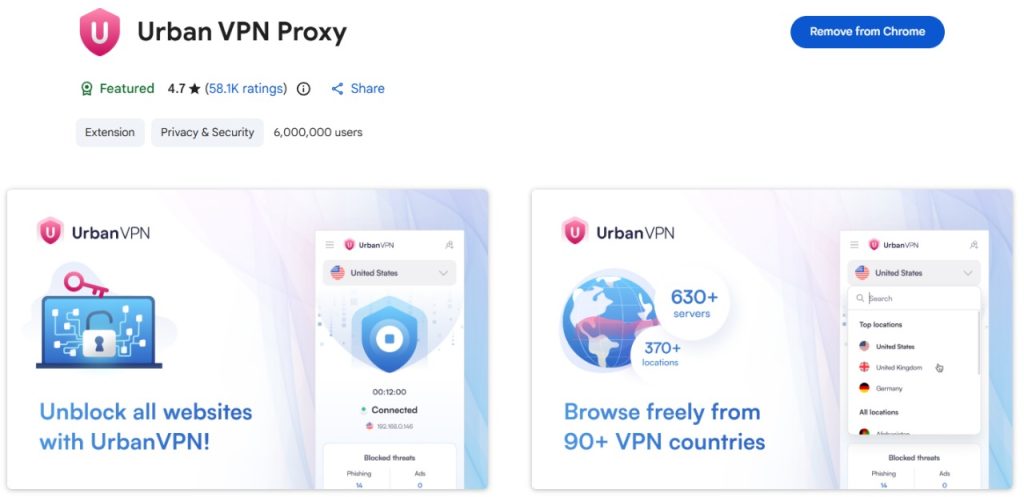
What is it?
A free VPN extension that lets users access different global IPs and view search results as if browsing from another country
Why beginners value it
It allows them to study region-based SERPs, ad campaigns and ranking patterns globally, useful for anyone handling international SEO.
Key Features
- Unlimited IP switching in multiple countries
- Region-specific keyword and SERP visibility
- Helpful for geo-targeted campaigns & research
Final Thoughts
In 2026, SEO is powered by automation, precision, and smart data, not guesswork. With the right Chrome extensions, your workflow becomes smoother and decisions get sharper. Whether you’re working solo or representing a leading SEO company in Ahmedabad offering trusted SEO services in Ahmedabad, these tools help you move faster, think smarter, and optimize better.
FAQs:
SEO META in 1 CLICK and SEOquake are best for beginners because they provide instant on-page SEO data without technical complexity.
Most Chrome SEO extensions offer free versions with essential features, while advanced data and reports may require a paid upgrade.
Grammarly helps improve content quality, readability, and clarity, supporting SEO-friendly content creation.
No, Chrome extensions support quick analysis but cannot fully replace advanced SEO tools for deep research.
SimilarWeb and Ubersuggest extensions are excellent for competitor analysis, offering traffic insights, keyword data, and top-performing pages.
Get in touch with us for
Digital Marketing Services
09313100658
Available From 09:30 – 06:30
Email: support@imiadvertising.com